2026.11.0
1. Key highlights
-
General View diagrams now provide an action to add existing connected elements in both directions.
-
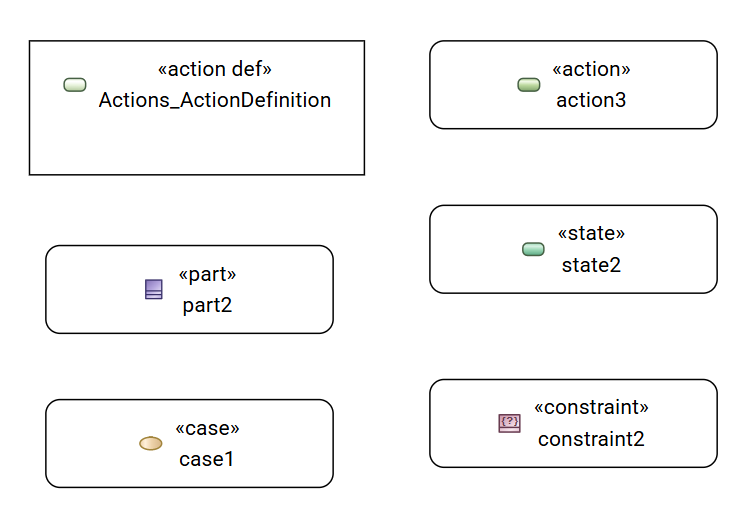
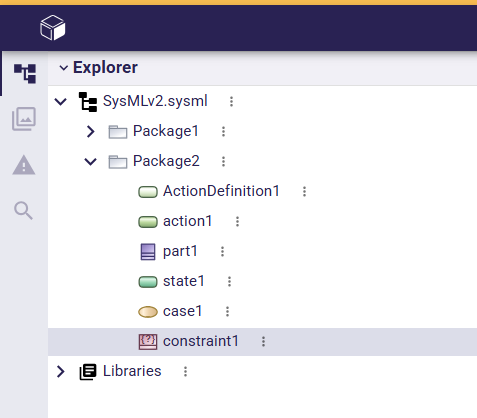
SysML icons are now colored in all diagrams and in the Explorer view.
-
Standard diagrams now support an experimental theme that can be enabled in the project settings.
2. New features
-
In diagrams:
-
New Referencetools have a selection dialog. This allows users to select anElementfor the newReferenceUsageto use. If the selected element is aClassifier(e.g.,PartDefinition), it is used to type the newReferenceUsage. If it is aFeature, the newReferenceUsagereferences that feature. The tools can also create an emptyReferenceUsage. -
The Add existing connected elements action is now available in the Related Elements section of the context menu. The action adds existing project elements connected to the selected element through inbound or outbound relationships and displays the corresponding edges when possible. For single and multiple selections, elements that can be displayed as ports or inside a selected element are excluded, even when their compartment is hidden. Use the existing content tools to display these elements. Existing representations are left unchanged.
-
Standard diagrams can now have a theme (experimental feature). Because it is experimental, the theme is not enabled by default. It can be enabled through the Appearances project settings tab. The theme applied to graphical elements depends on the SysML element family (e.g., Structure or Behavior).
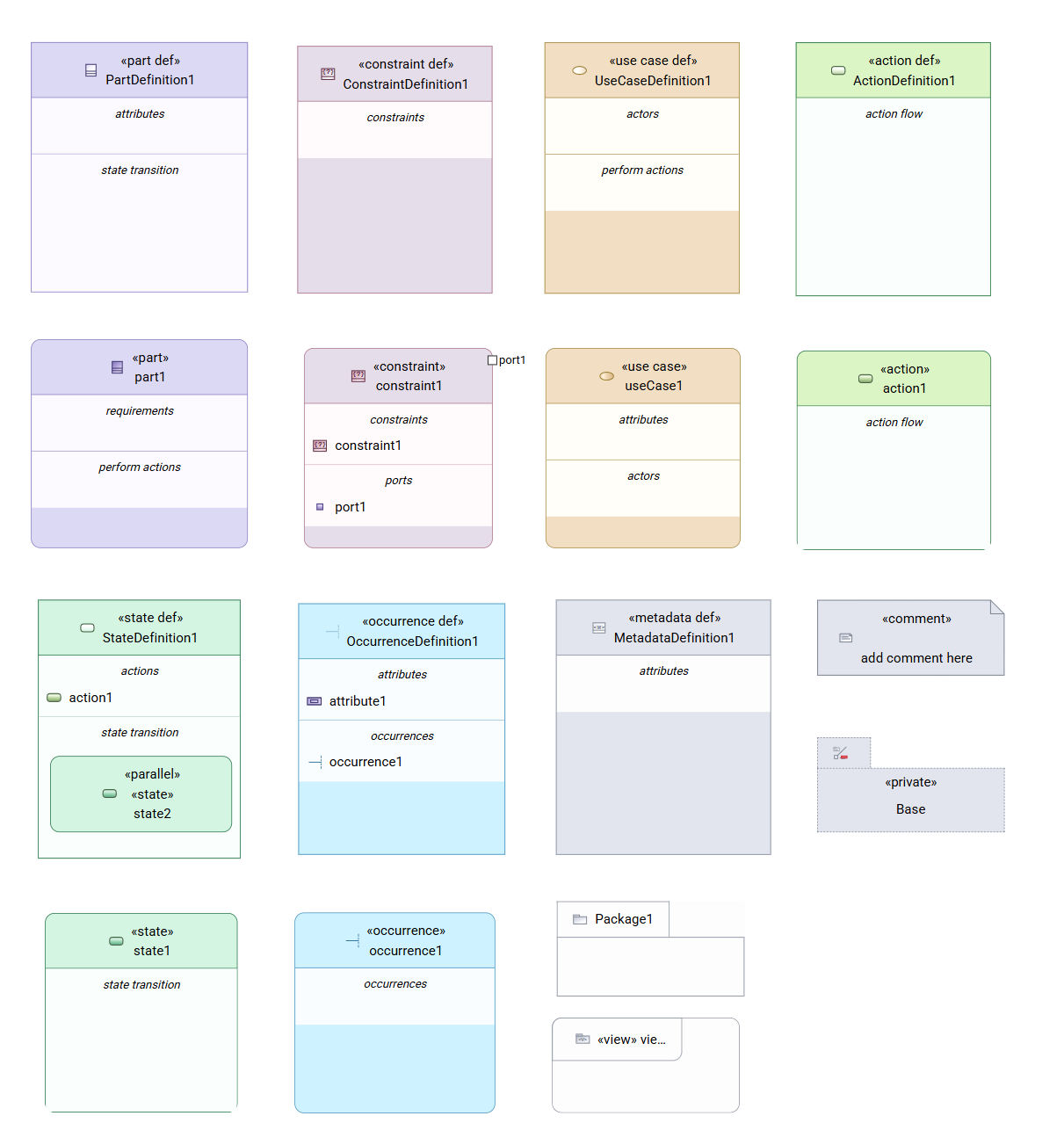
Manual appearance changes take precedence over the theme; resetting them restores the theme if it is enabled.
-
3. Bug fixes
-
In diagrams:
-
The available tools have been corrected for standard diagrams created on a root
Namespace. -
In standard view diagrams, the connector palette now shows only edge creation tools compatible with the selected target node. For example, New Feature Typing is no longer offered between two
Usagegraphical nodes, but remains available from aUsageto its correspondingDefinition. New Satisfy Requirement remains available when the target is aRequirementUsageorSatisfyRequirementUsage. -
Elements created in a diagram on a root
Namespaceare now named sequentially. -
An
AttributeUsagecreated inside a nestedPackagein a General View diagram now appears only inside its owning package, without a duplicate in the outer package. -
In Interconnection View diagrams, the Add target as nested, Become nested, and Add target as owned tools now reveal a suitable compartment on the new parent so the moved element remains visible. An already visible suitable compartment remains in use; otherwise, the interconnection compartment is revealed for any eligible graphical node after successful reparenting in an Interconnection View diagram.
-
The Duplicate Element action is now available on
UsageandDefinitiongraphical nodes that are also relationships, including interfaces and allocations. Duplication also works when these nodes are included in a multiple selection.
-
-
In textual import/export:
-
Syntax errors that may leave an uploaded SysML file partially imported are now reported. The parsed elements are still imported, and the loading report identifies the syntax problem and warns about possibly missing elements.
-
Connector ends that reference feature chains, such as
battery.powerPort to batmobileEngine.enginePort, are now exported instead of being left empty. -
InterfaceUsageelements are now exported with theinterfacekeyword.
-
4. Improvements
-
In SysON:
-
SysML icons have been updated and are now colored in all diagrams and in the Explorer view.
-
5. Technical details
-
For technical details on this SysON release, including breaking changes, please refer to the changelog.