Obeo Cloud Services User Guide
This guide describes how to access and use the Obeo Cloud Services platform.
The platform is based on AWS AppStream 2.0, which streams desktop applications directly in your web browser — no local installation required.
1. First usage
On first access, two steps must be completed before being able to use the service:
Step 1
|
Initialize your Obeo SSO Account You will receive an invitation email from the Obeo AWS SSO service with the subject:
Follow the link in the email to set your initial password on the AWS portal. |
Step 2
|
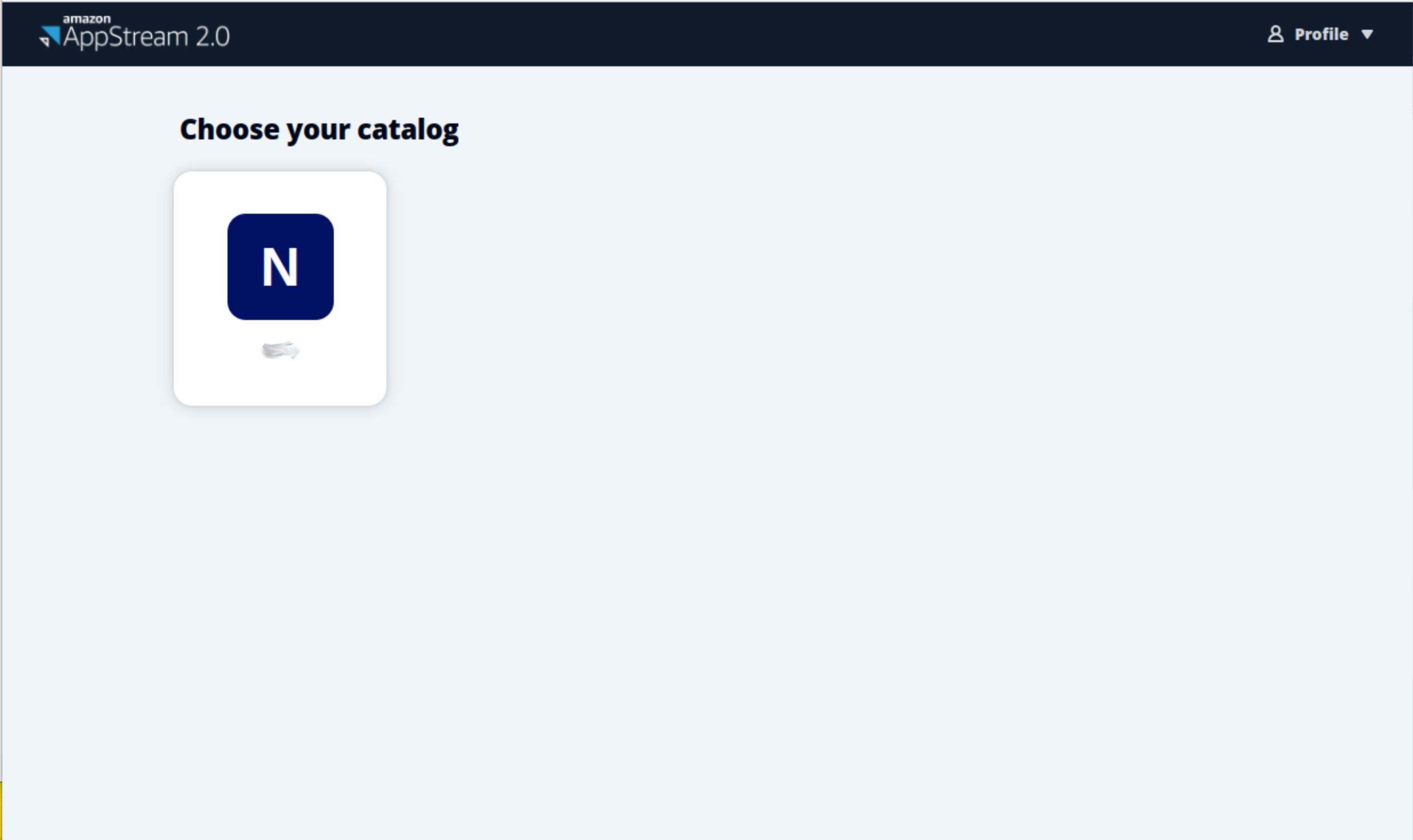
Access the service via AppStream Once authenticated on the SSO portal, click on the AppStream application assigned to your profile. Select your application from the catalog to launch a streaming session in your browser. |

2. Subsequent connections
For all subsequent connections:
-
Open the SSO portal URL provided by your administrator.
-
Authenticate with your username, password, and the ephemeral code sent by email.
-
Click the AppStream application to access the catalog and launch your application.
|
To properly free resources when you are done, always close your application before logging out of the AppStream portal. See Leaving the platform for details. |
3. Reference pages
-
Obeo SSO Account — Account initialization and authentication process
-
AppStream usage — Portal features, storage, session limits, and common errors