Obeo SSO Account usage.
This section explains the process of onboarding on the Obeo SSO portal to access the Dedicated Appstream Application.
This process is only used when the service authentication is not delegated to the Client SSO.
1. Email invitation
The first step of the onboarding process is the reception of an invitation email from Obeo AWS SSO.
The email subject is: Invitation to join AWS IAM Identity Center (successor to AWS Single Sign-On)

The email content suggests accepting the invitation to set the initial password for the created account.
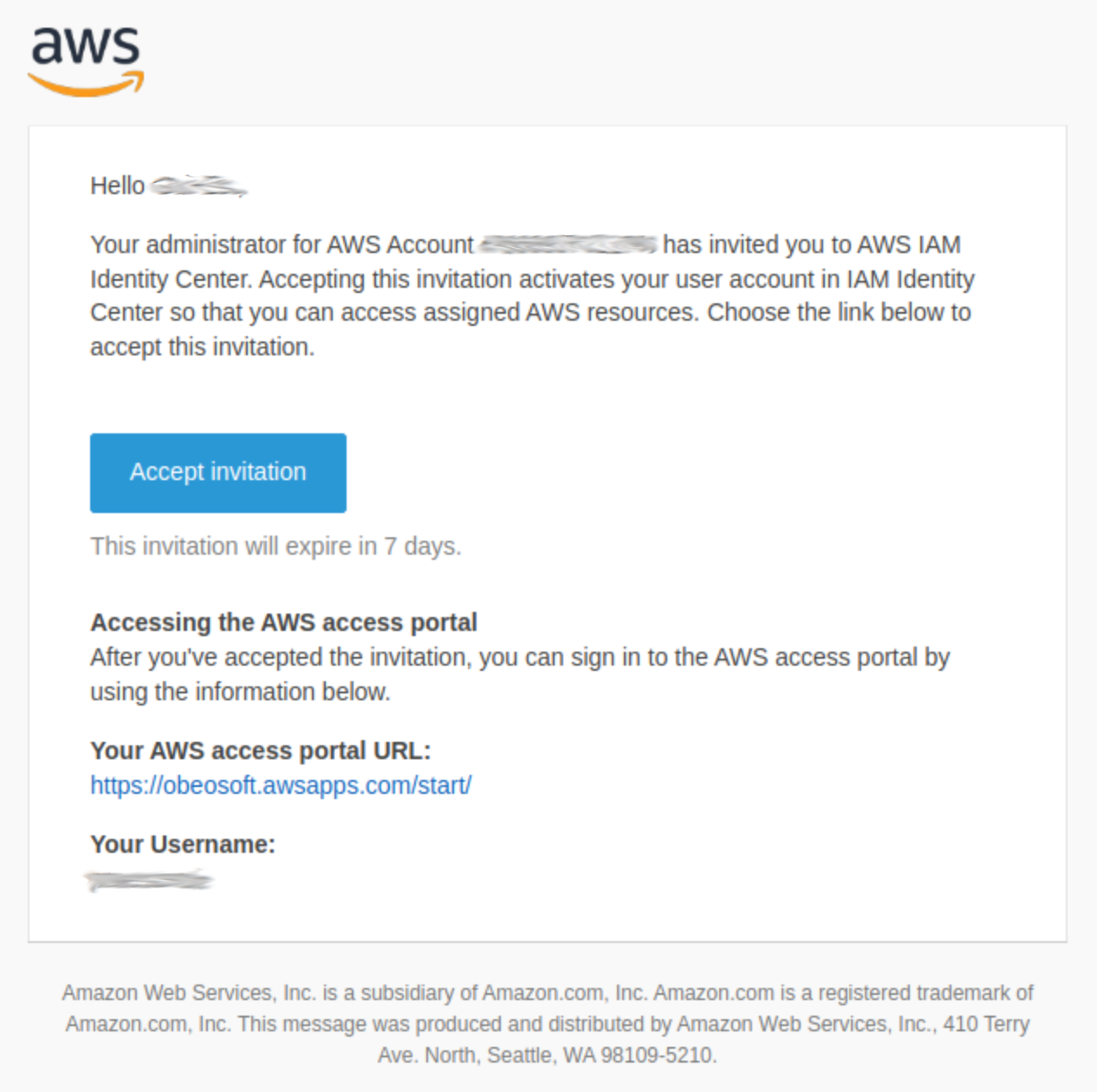
Click on the "Accept Invitation" button.
2. Password setup
Utilize the AWS interface to establish the initial password while adhering to the password policy constraints.
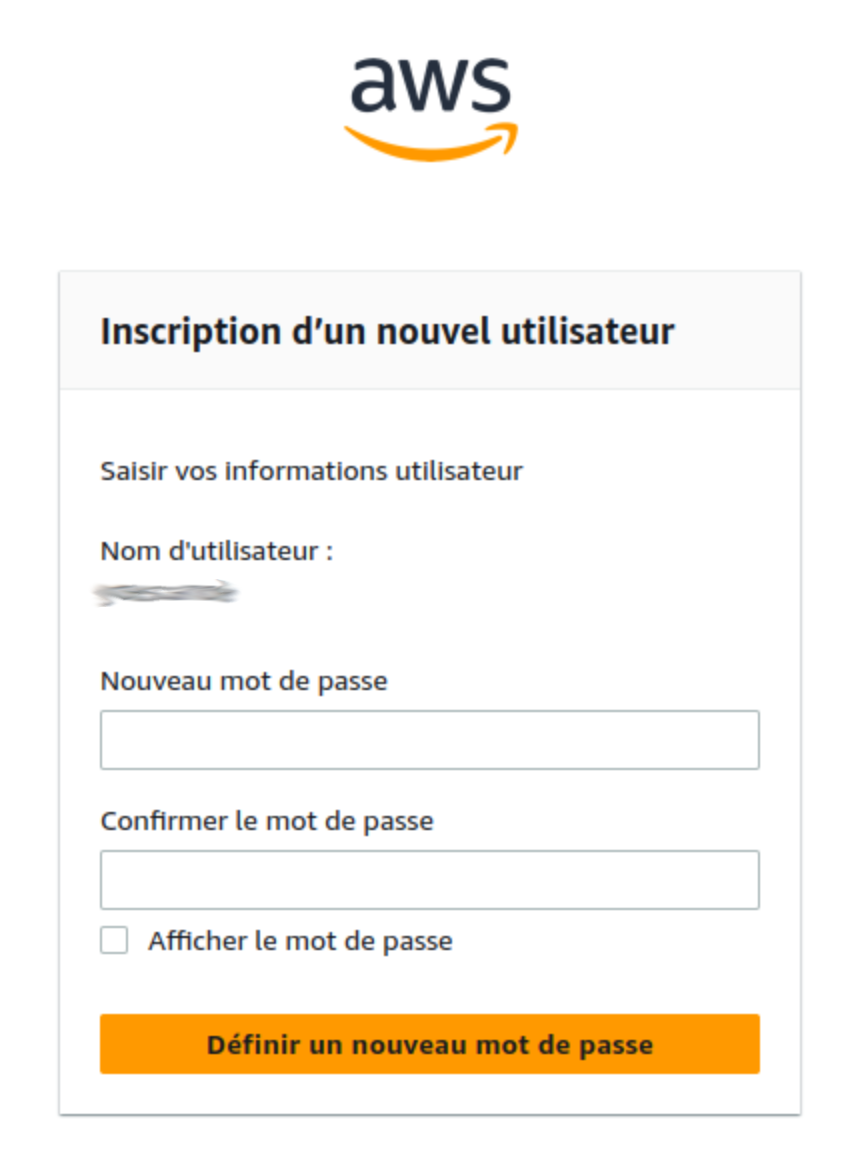
This password is adjustable at any point through the AWS SSO portal.
Given that the Obeo SSO is configured to employ multifactor authentication or authentication validation via temporal codes sent through email, this password will not have an expiration date.
3. Classic Authentication
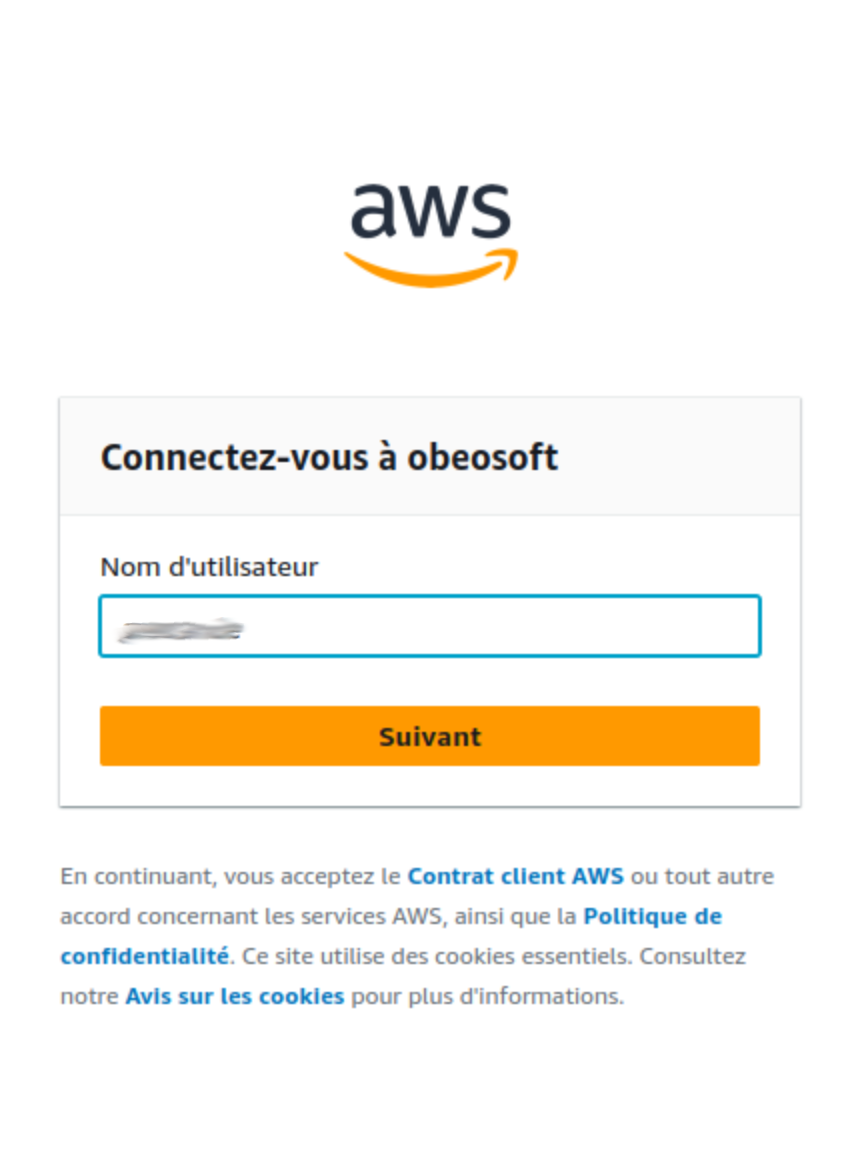
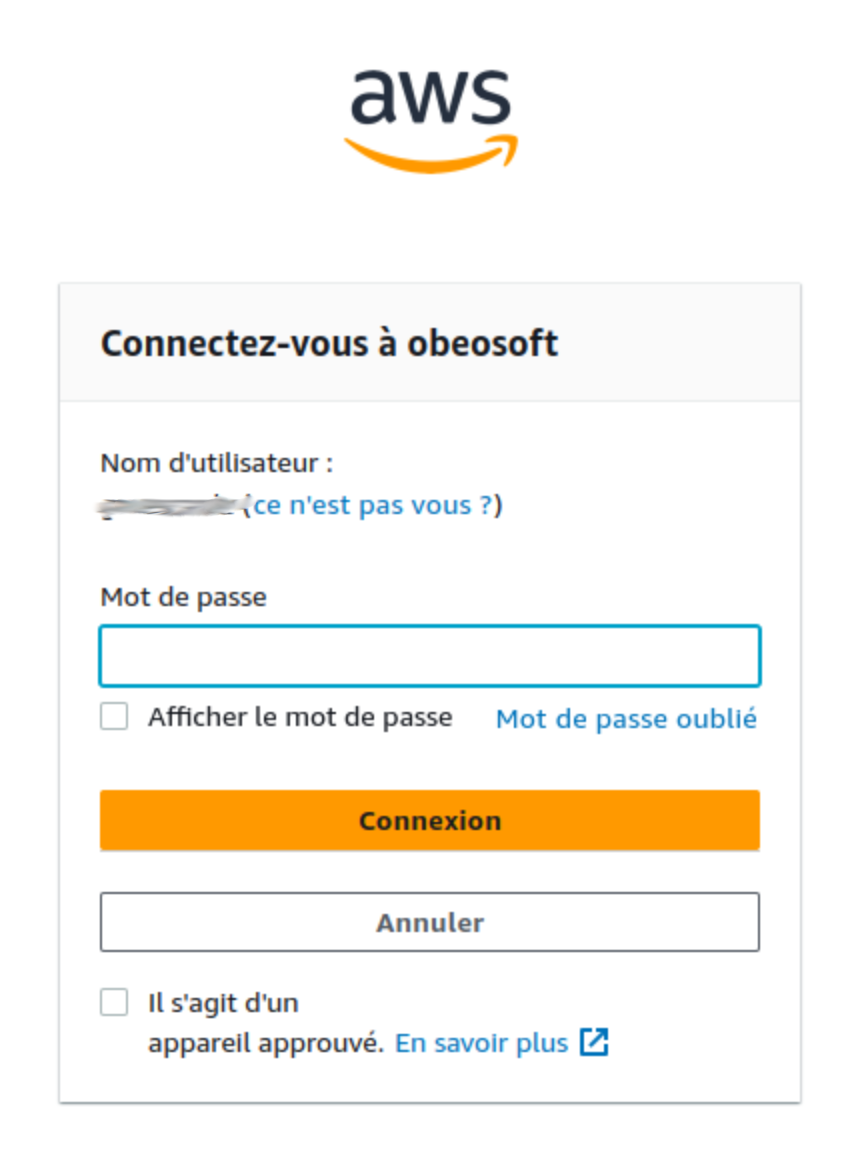
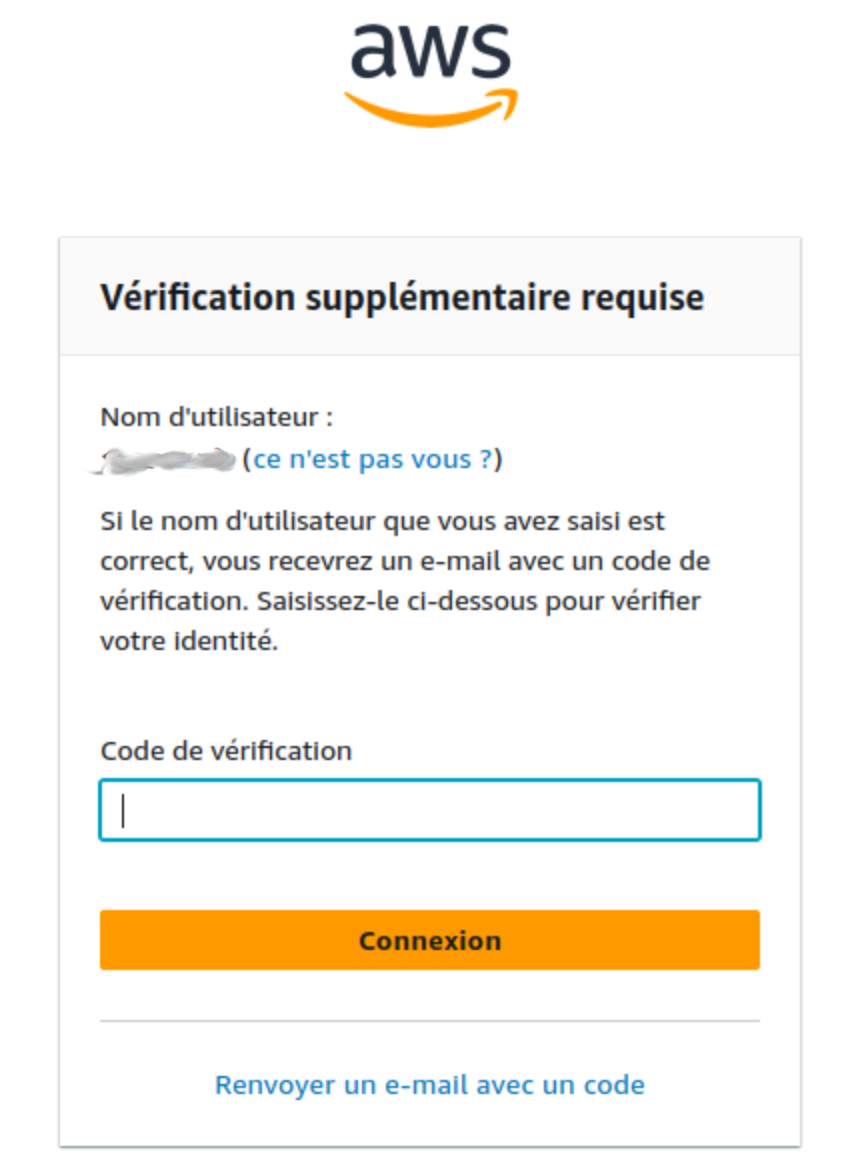
The classic authentication process consists of three steps:
-
Provide the username.
-
Provide the password.
-
Validate the ephemeral code sent by email.
The received email containing the ephemeral code subject is:
Verify your identity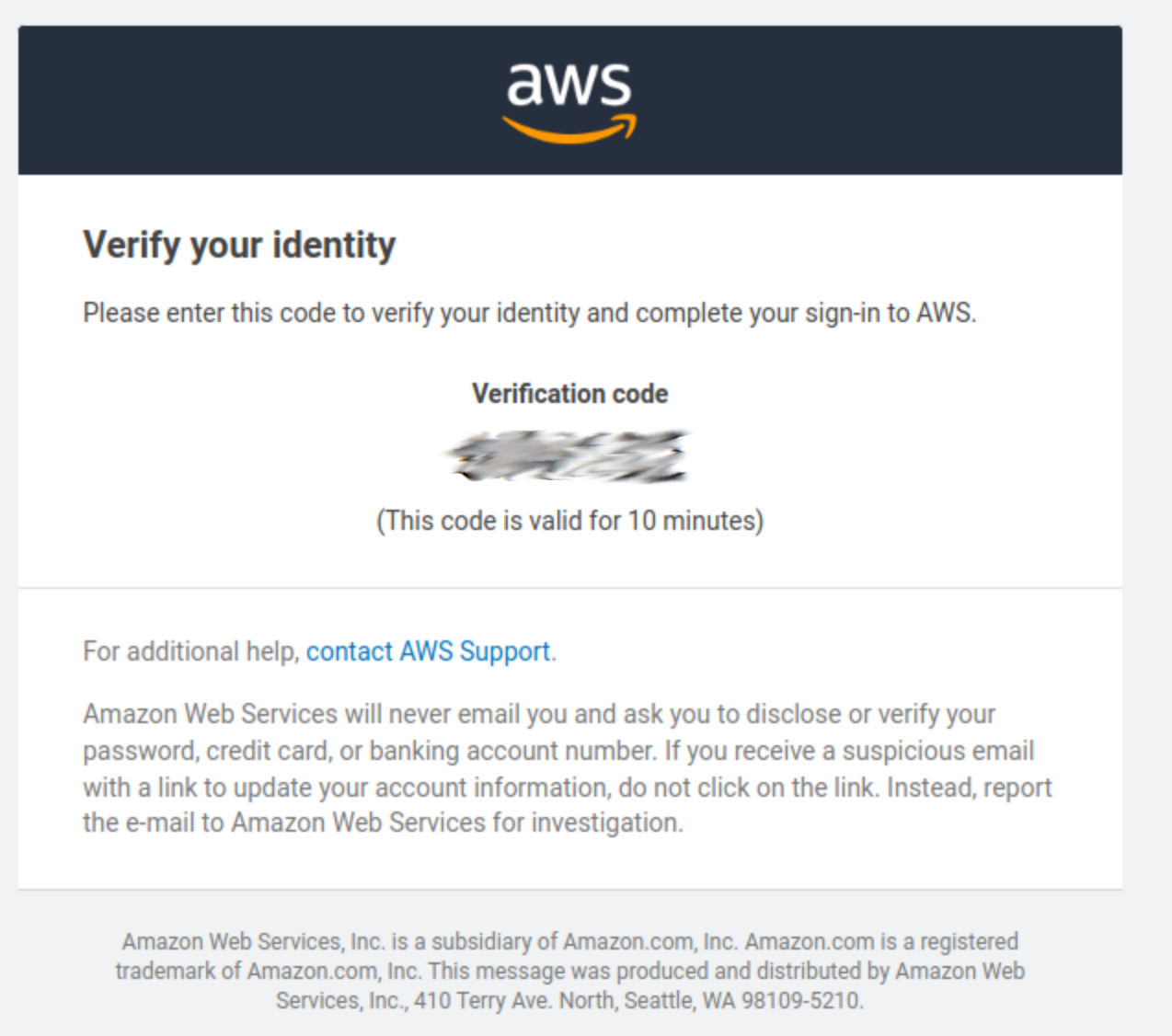
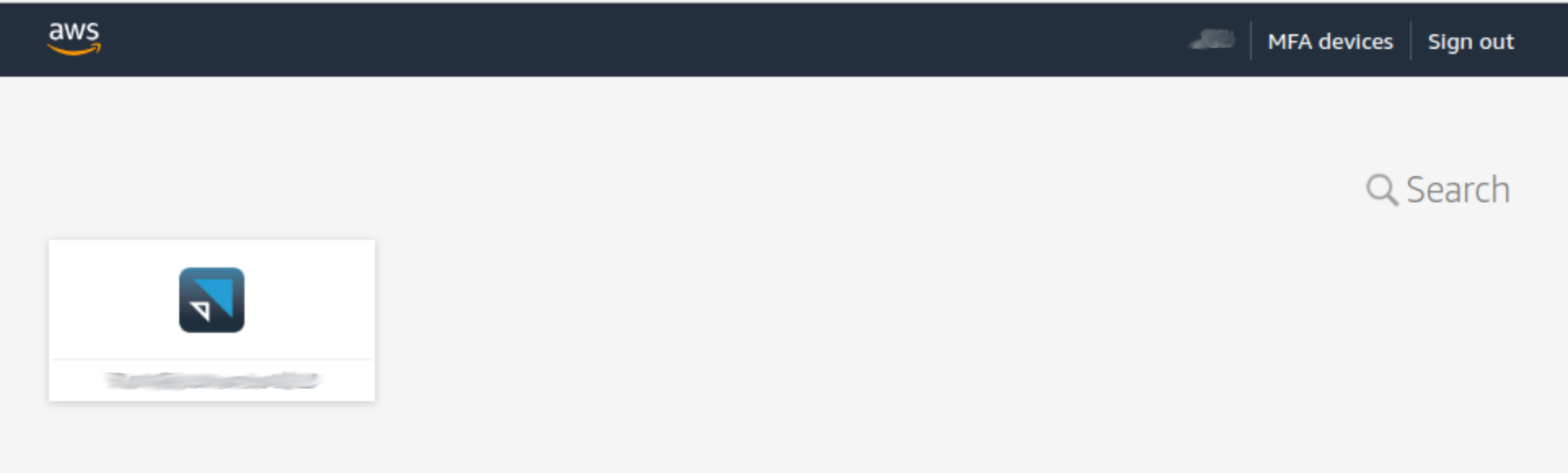
After completing the authentication process, the SSO application page is displayed. This page contains all the Obeo applications assigned to your user profile. By default, only one AppStream access is provided.