Representations View
1. Navigate thanks to the Representations View view
-
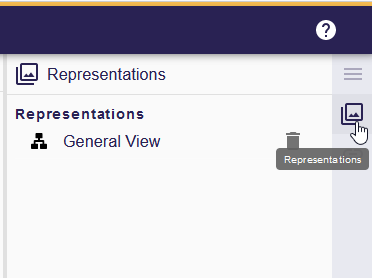
Open the Representations View view from the right panel.
-
In the view, you’ll find a comprehensive list of all existing representations associated with the selected semantic object.
-
To access a representation, simply click on the respective entry in the list.
|
Efficiently manage your representations by deleting them directly from the list. Click the Delete icon next to the representation name to remove it. |