Related Elements View
🔥 This feature is currently considered experimental. Try it out and give feedback by reporting bugs and suggesting new features. It’s not recommended for production use.
👥 This feature is available to all users.
For a more focused exploration, delve into the Related Elements View.
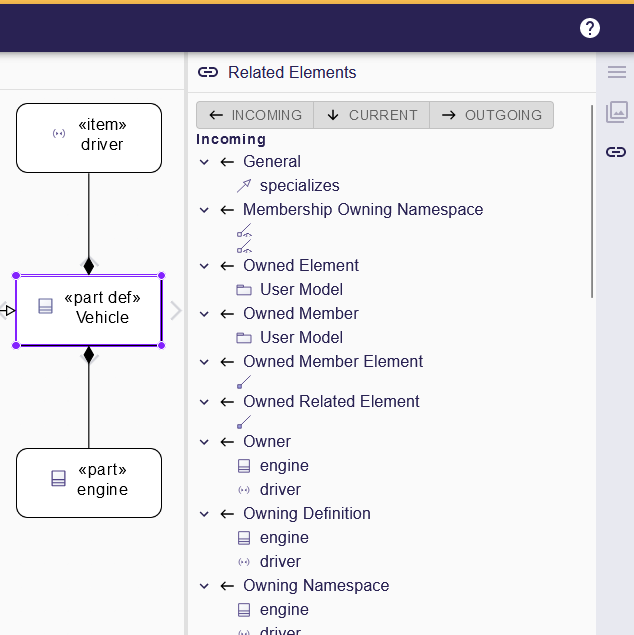
This feature offers a contextual perspective on the selected element by organizing references into three tabs:
-
Incoming: elements that point to the current selection. Follow these links to understand which parts of the system depend on it.
-
Outgoing: elements that the selection references. Use this to inspect downstream impact or to open related artefacts quickly.
-
Current: parents, children, or other structural relationships that place the element within its broader hierarchy.
Click any entry to navigate directly to that element in the editor. Cross-domain links appear when your project contains models from different domains; the view helps you understand those relationships without switching representations.