Representations View
🔥 This feature is currently considered experimental. Try it out and give feedback by reporting bugs and suggesting new features. It’s not recommended for production use.
👥 This feature is available to all users.
Explore the Representations View view to gain insights into the available representations associated with the selected element.
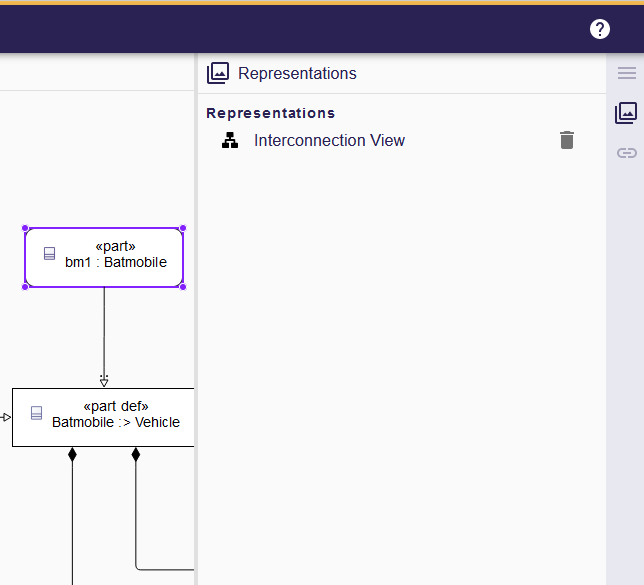
This view provides a comprehensive list of all existing representations, offering a convenient overview of the various ways the element is visually represented within the project.
Use it to:
-
Open an existing representation in a new tab by clicking its name. If the representation is already open, the editor switches focus to that tab.
-
Identify the representation type at a glance—icons and badges help you distinguish diagrams, forms, tables, portals, and more.
-
Delete representations via the action available in the view.
| Combine the Representations View with the Details View to understand both the structure and the available visualizations of an element simultaneously. |